


This product is available on demand and can only be ordered through our sales team. Additional terms & conditions apply.
Delivery information
ProPlugin delivers your parcels through Thailand Post. All parcels are shipped through Thailand Post's EMS Service to ensure fast delivery options!
Delivery within Thailand
Bangkok metropolitan area
Delivery within 1 business day
Chiang Mai province Chiang Rai province Mae Hong Son province Wiang Haeng district Wiang Kaen district
Delivery within 2 business days
Remote areas Islands
Delivery within 3 business days
All other destinations within Thailand
Delivery within 1 business day
*Shipping times apply if ordered before 12.00 noon (add 1 business day if ordered after 12.00 noon)
Returns policy
Your satisfaction is important to us. If you've changed your mind about your order, you may request a return within 15 days of receiving your order! If you wish to initiate a return, please contact our customer support team.
Please note that the product must be unopened/sealed, and some exclusions apply, for example on software. Please carefully read our full returns & refund policy.
Warranty coverage
Warranty included (4 years)
Most of our products come with a standard 1-year warranty covering manufacturer defects and electronic malfunctions under normal usage.
If a product is under warranty, we provide free repairs at our repairs centre for music equipment in Bangkok. If the product broke within 15 days after your purchase, we'll provide you with a brand new product.
Recording & Broadcasting Set for Podcasters forget the complexity — this set makes podcasting easy and delivers impressive, professional-quality sound.
Key Highlights
Auto Gain function for quick and easy mic level adjustment, perfect for beginners
Includes Hindenburg Lite, SquadCast Pro (3 months), and Acast (6 months)
Enhance Effect for speech with 4 presets
Supports guests via Bluetooth and TRRS Input
Mute Button for both Host and Guests
Cut it out!
Don’t let coughs and sneezes — or any other unexpected interruptions — mess up your podcast. Hit the mute button and silence the mic until you’re ready to go again.
Find your voice
The Enhance button reveals the true quality of your voice. Four podcaster-approved presets bring out the best in any voice in one click, and you can customise your own with Vocaster Hub.
Studio sound in seconds
Auto Gain sets your levels with the click of a button, with more than enough gain on tap for the most popular broadcast mics — no booster needed.
Take it away
Vocaster Two is small, light, and powered by your computer, so you can join the conversation wherever it is.
Sound as good as your video looks
You’re one cable away from adding Vocaster’s studio sound to your vlog. No need to sync up in post, just plug in and hit the red button.
Add a professional touch
Stream pre-recorded segments such as intros, outros, calls or any other audio you can think of from your computer with two sets of stereo loopback. Keep the story going and sound just like you’re in a broadcast studio.
It’s your call
Bring in guests over the phone with Bluetooth or a single cable and capture the whole conversation, or record high quality music or other audio from your device, seamlessly.
Everything you need
With Hindenburg PRO for six months, and six months of Acast Influencer to publish, you’re ready to get your show out there.
Your very own control room
Get your show sounding great with Vocaster’s mixer. Just like a broadcast studio, Vocaster Hub lets you set your levels, enhance your sound, route audio from your phone and computer, and more. Use Enhance Edit to open up greater control of the Compression, EQ, and Rumble Reduction for each preset. Hear exactly what your listeners will hear with Show Mix – even without your computer.
It’s never been so simple
Our Easy Start tool is the best in the business and gets you up and running smoothly. Vocaster is so easy to set up, you’ll be on-air in no time. Three years of warranty and our award-winning 24/7/365 support keep you there.
Better for everyone
With Vocaster, we’ve taken big steps forward in reducing the impact our interfaces have on the planet. We have carefully chosen components, biodegradable and recyclable packaging, and used more than half the plastics from recycled sources.
Vocaster Hub works with screen readers allowing control of Vocaster’s key features, so there are more ways to get on air than ever before.
Step up your show
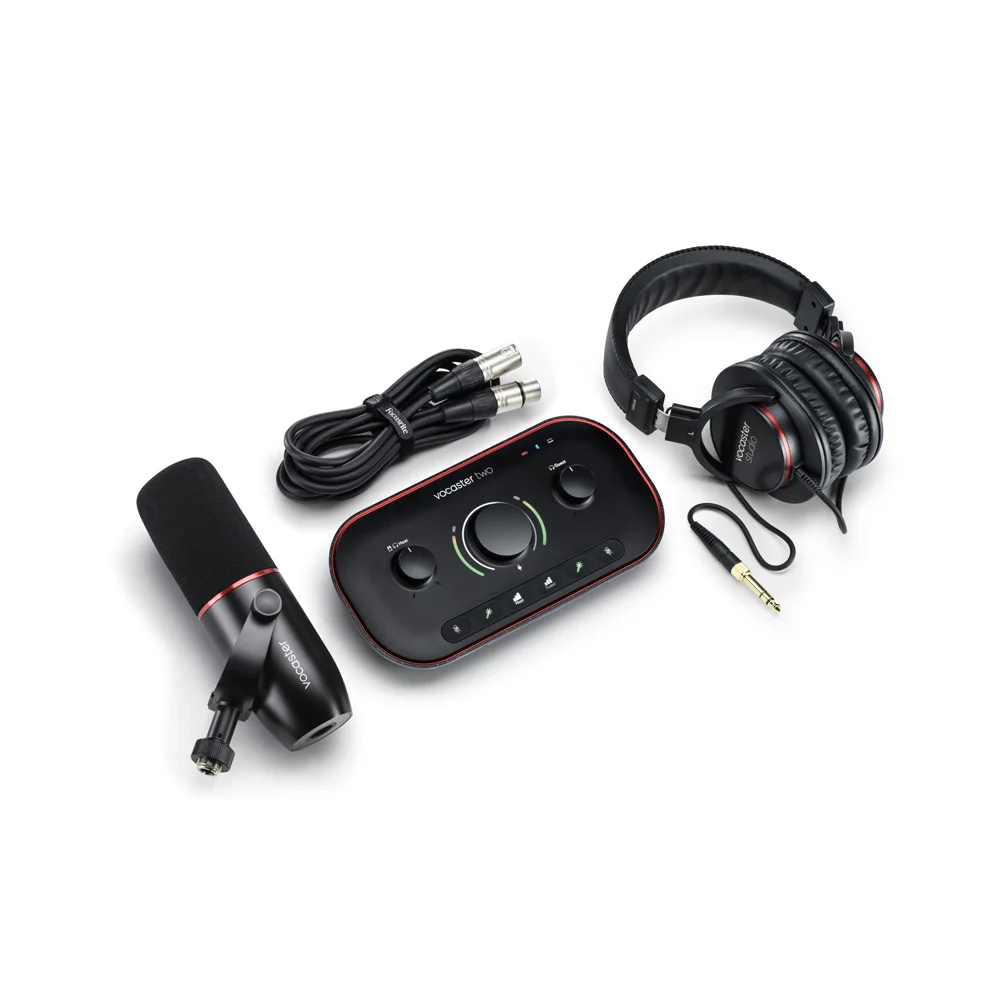
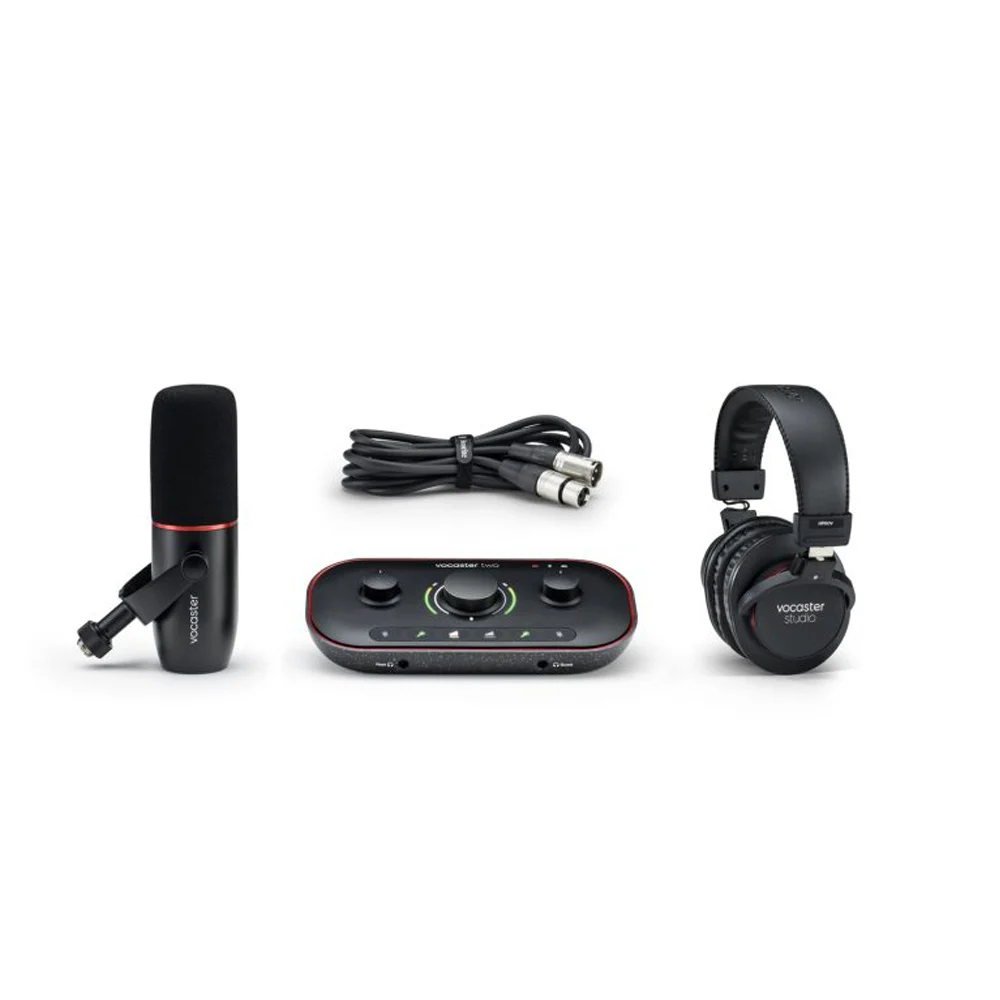
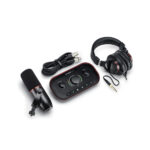
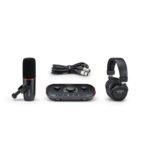
Step it up with Vocaster Two Studio, which includes our best dynamic microphone and closed-back headphones so that you can start recording your podcast straight away.
Better quality in
Our premium Vocaster DM14v dynamic mic captures your true voice and connects you with your audience. Built in windshield and internal shock mount keep the noise down and the energy up.
Better quality out
HP60v closed-back studio headphones let you hear your show as the world will, and stop the mic from picking up your show mix — avoid any unwanted distractions for your audience.
Simple setup for two-person podcasts
Connect Vocaster to your computer through USB-C to record into the recording software of your choice, and access Vocaster Hub to customise your sound. Vocaster Two is perfect for a two-person podcast, simply use the Host and Guest XLR inputs for your microphones, and connect your headphones to the Host and Guest output at the front of the interface to avoid any feedback or echo.
Complete setup for two-person podcasts, streaming, and vlogging
Expanding on the simple setup, you can use the two loopback channels via your computer to bring in any audio, and connect your monitors, DSLR camera, and mobile phone. Vocaster Two is perfect for a two-person podcast and if two people are streaming or vlogging. You can mix and edit your audio, record broadcast-quality audio straight to your video or live stream, and call in guests or bring in other sound sources through your device. Bluetooth connectivity enables you to use any device as a soundboard for your content.
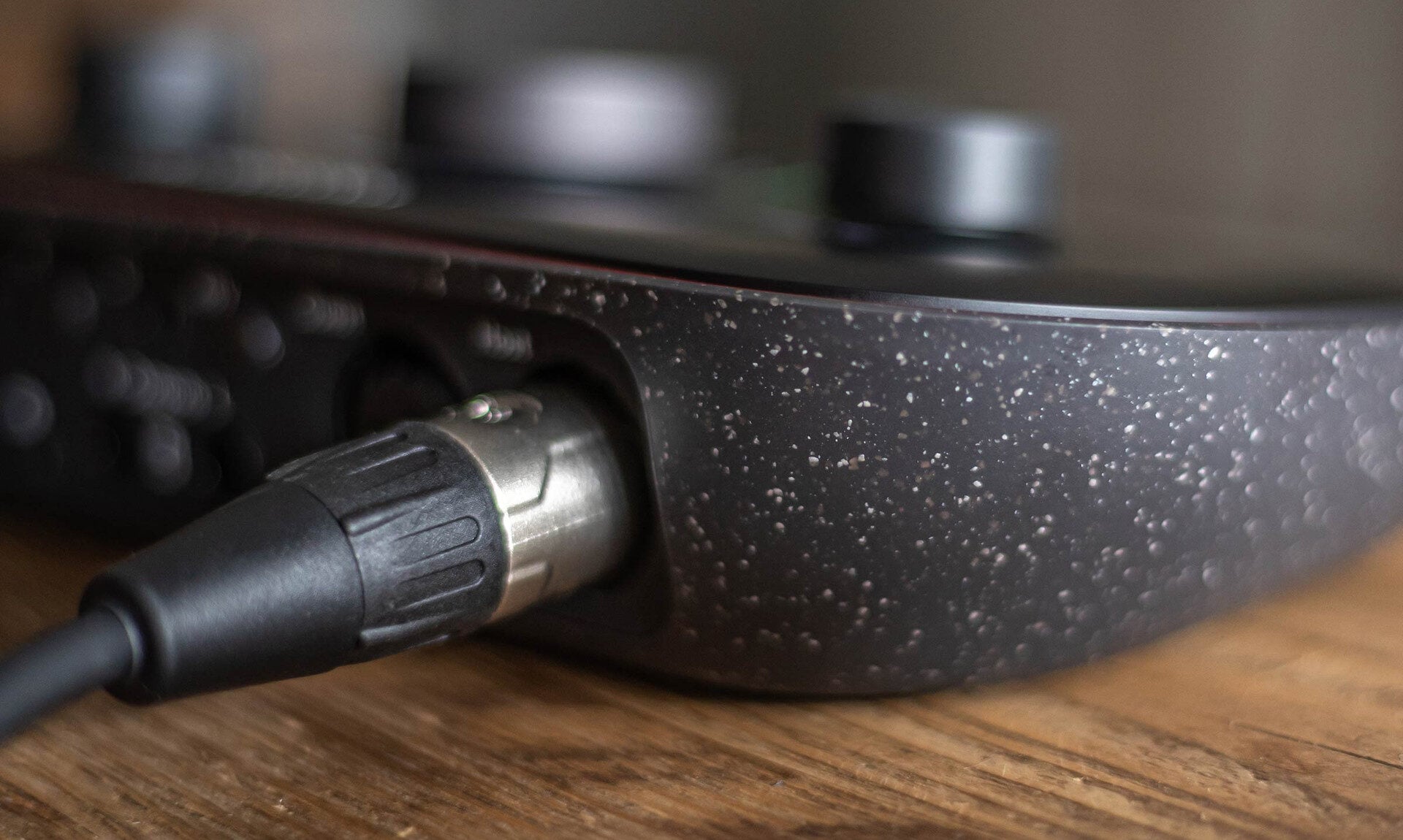
1. Mic inputs Connect any microphone via an XLR cable (included with Vocaster Two Studio). 70dB gain range and phantom power control.
2. Headphone outputs Connect your headphones to hear your show mix as the world will.
3. Speaker outs Connect to your speakers in mono or stereo to Vocaster when you’re editing your podcast.
4. Phone input Allows you to bring audio in from your phone, including called-in guests. (TRRS to TRRS cable required, not included.)
5. Camera output Record your professional podcast audio straight into your camera to make life easy with your footage. (TRS to TRS cable required, not included.)
6. Auto Gain Hold down the host or guest button to have Vocaster listen in and set the correct audio level, so you’re ready to record.
7. Enhance Bring out the best of your voice in one click with a choice of four voice presets, switchable within Vocaster Hub.
8. Mute Quickly mute to avoid interruptions with separate buttons for host and guest.
9. Mic gain The coloured gain ring gives you instant visual feedback when your voice level is perfect for host and guest.
Reviews
Clear filtersThere are no reviews yet.