
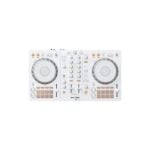
ProPlugin delivers your parcels through Thailand Post. All parcels are shipped through Thailand Post's EMS Service to ensure fast delivery options!
Delivery within Thailand
Bangkok metropolitan area
Delivery within 1 business day
Chiang Mai province Chiang Rai province Mae Hong Son province Wiang Haeng district Wiang Kaen district
Delivery within 2 business days
Remote areas Islands
Delivery within 3 business days
All other destinations within Thailand
Delivery within 1 business day
*Shipping times apply if ordered before 12.00 noon (add 1 business day if ordered after 12.00 noon)
Returns policy
Your satisfaction is important to us. If you've changed your mind about your order, you may request a return within 15 days of receiving your order! If you wish to initiate a return, please contact our customer support team.
Please note that the product must be unopened/sealed, and some exclusions apply, for example on software. You can read our full returns & refund policy on here.
Warranty coverage
Warranty included (1 year)
Most of our products come with a standard 1-year warranty covering manufacturer defects and electronic malfunctions under normal usage.
If a product is under warranty, we provide free repairs at our repairs centre for music equipment in Bangkok. If the product broke within 15 days after your purchase, we'll provide you with a brand new product.
Suitable for live broadcasting, can sing/speak at the same time.
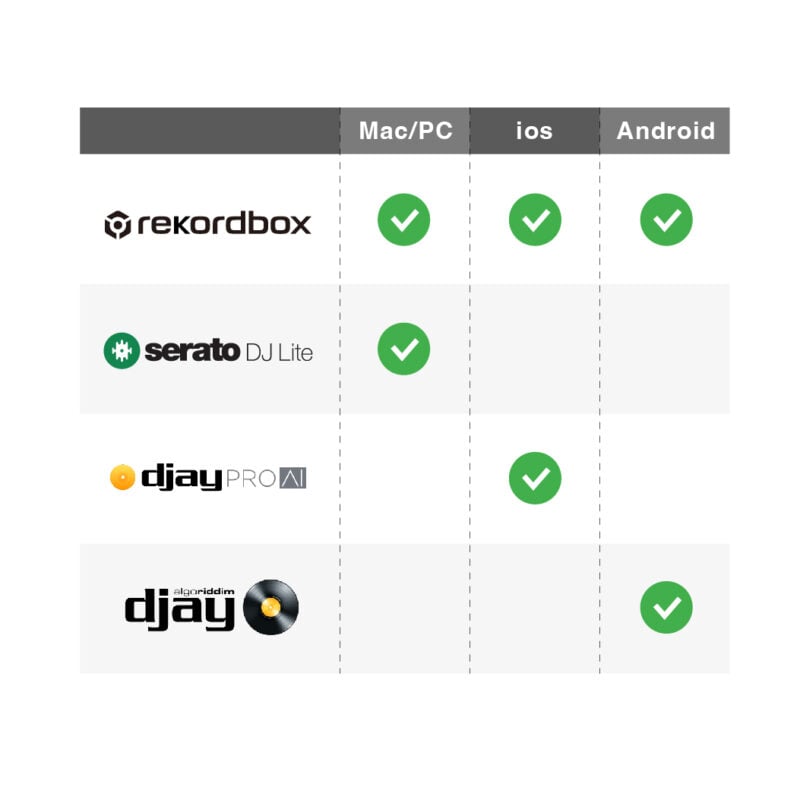
Rekordbox, Serato, and djay Compatibility
You can use popular DJ software like rekordbox, Serato DJ Lite, and djay for free. Simply connect the DDJ-FLX4 to your PC/Mac and you’re ready to start mixing.If you want more professional features, you can upgrade to Serato DJ Pro by purchasing a license or subscription.
รองรับซอฟต์แวร์ rekordbox, Serato และ djay
คุณสามารถใช้งานซอฟต์แวร์ DJ ยอดนิยมอย่าง rekordbox, Serato DJ Lite, และ djay ได้ฟรี เพียงแค่เชื่อมต่อ DDJ-FLX4 กับ PC/Mac ก็พร้อมเริ่มมิกซ์เพลงได้ทันที หากต้องการฟีเจอร์ระดับมืออาชีพเพิ่มเติม คุณสามารถอัปเกรดเป็น Serato DJ Pro ได้ด้วยการซื้อไลเซนส์หรือสมัครสมาชิก
The DDJ-FLX4 is compatible with a wide range of devices
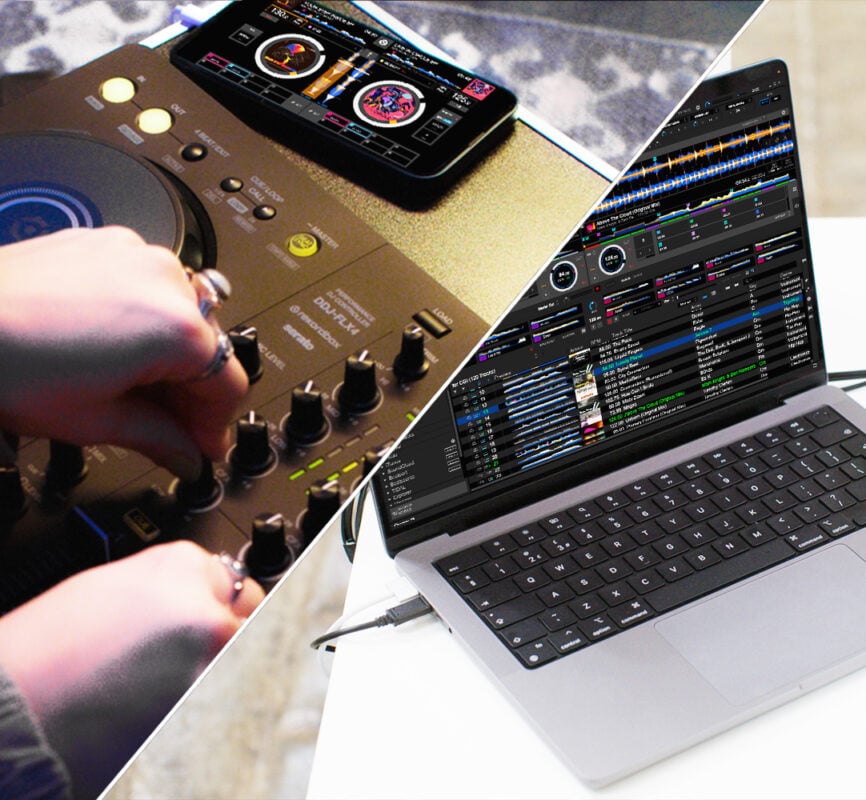
including PCs, Macs, iPhones, iPads, and Android devices. It can connect easily via both wired and wireless connections (Bluetooth® when used with rekordbox for iOS/Android).
Connect to PC/Mac
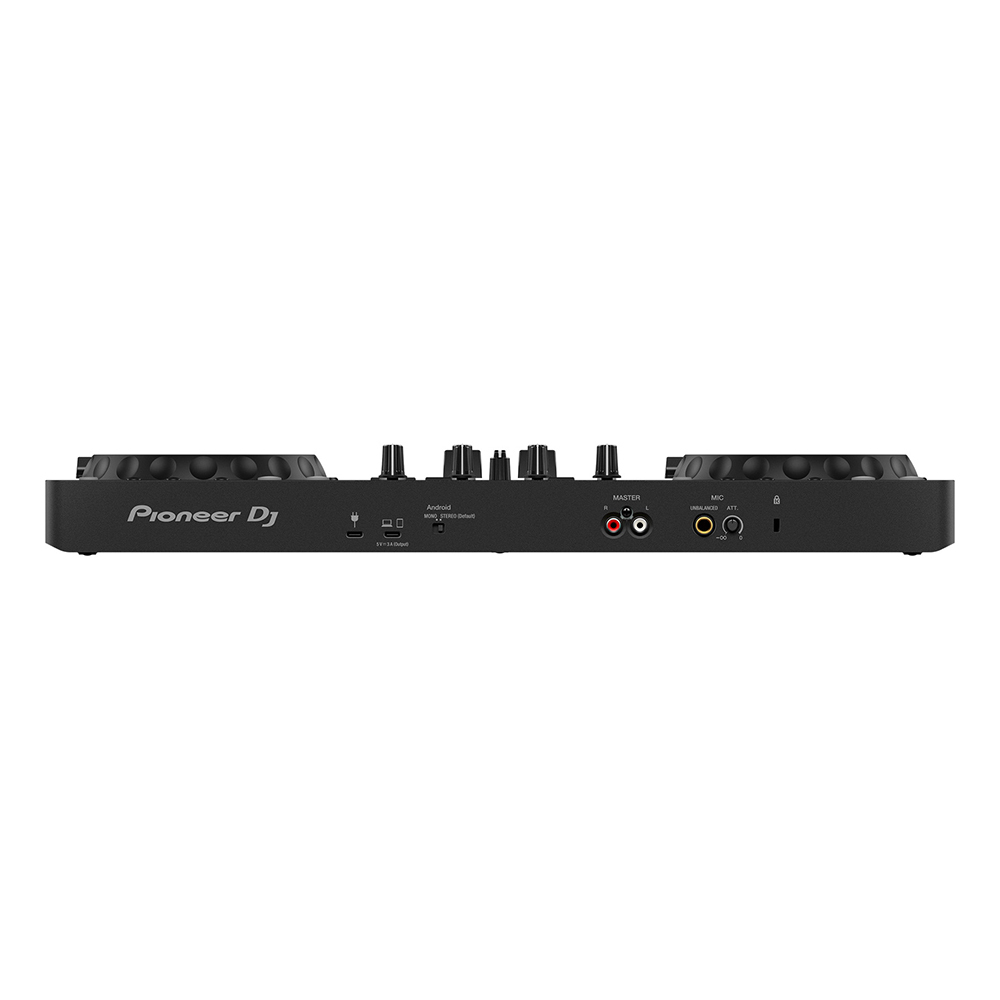
With a single USB Type-C cable, your computer will directly power and send audio to the DDJ-FLX4.
To connect a smartphone via a USB cable
you need to use a 9V power adapter or a portable battery that supports 9V. (Caution: most standard batteries only provide 3V of power.)
Connect Your Smartphone via Bluetooth®
You'll need a 9V power adapter. Then, you can connect to the audio instantly via Bluetooth.
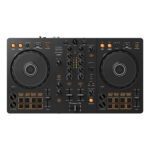
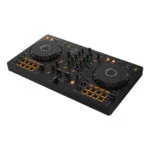
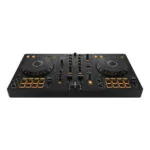
Crafted with style for easy portability.
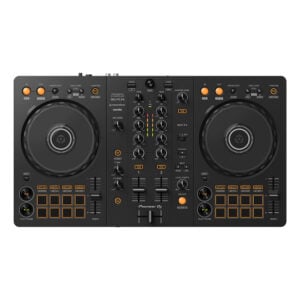
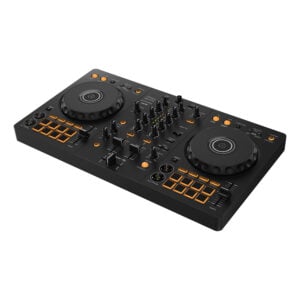
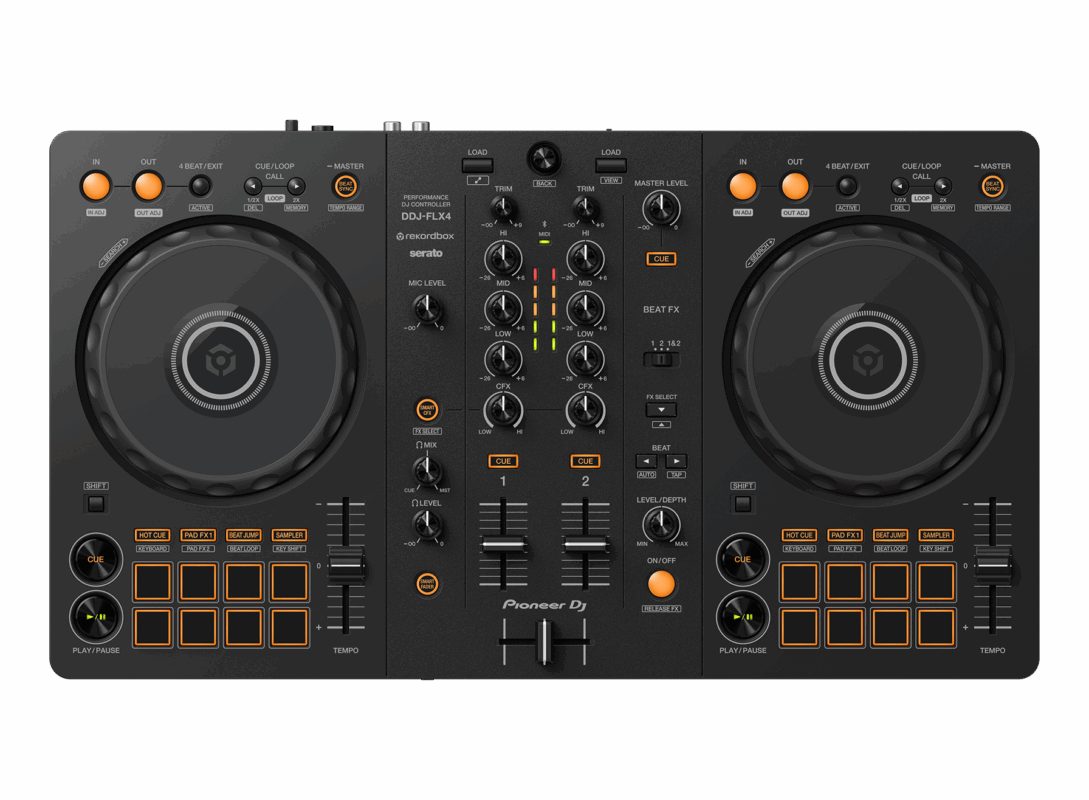
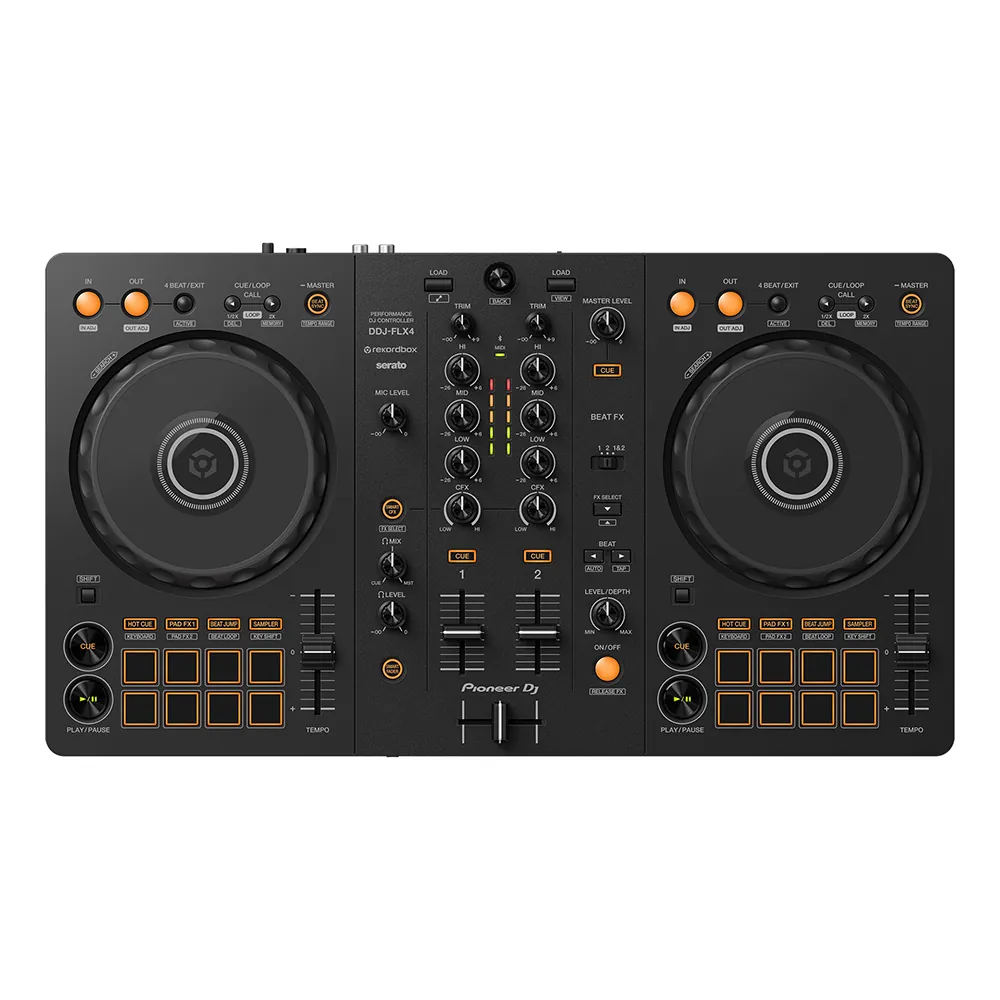
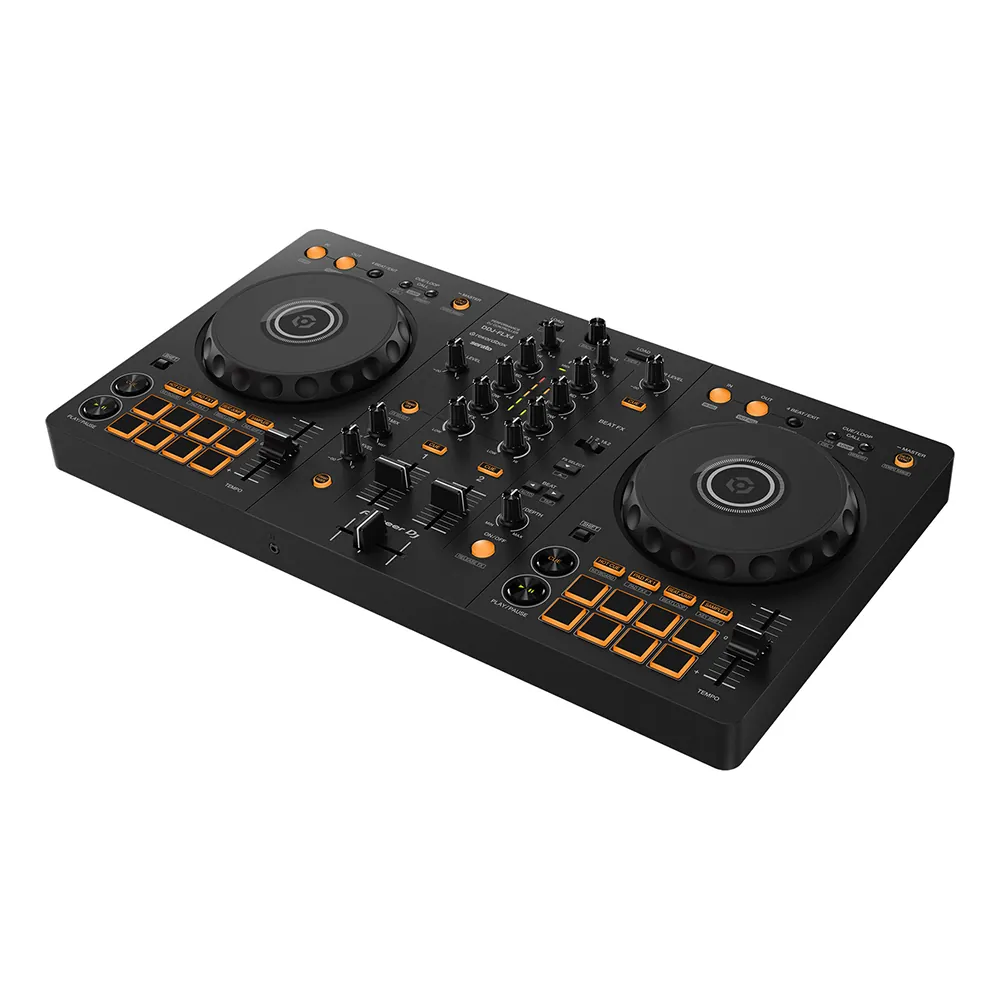
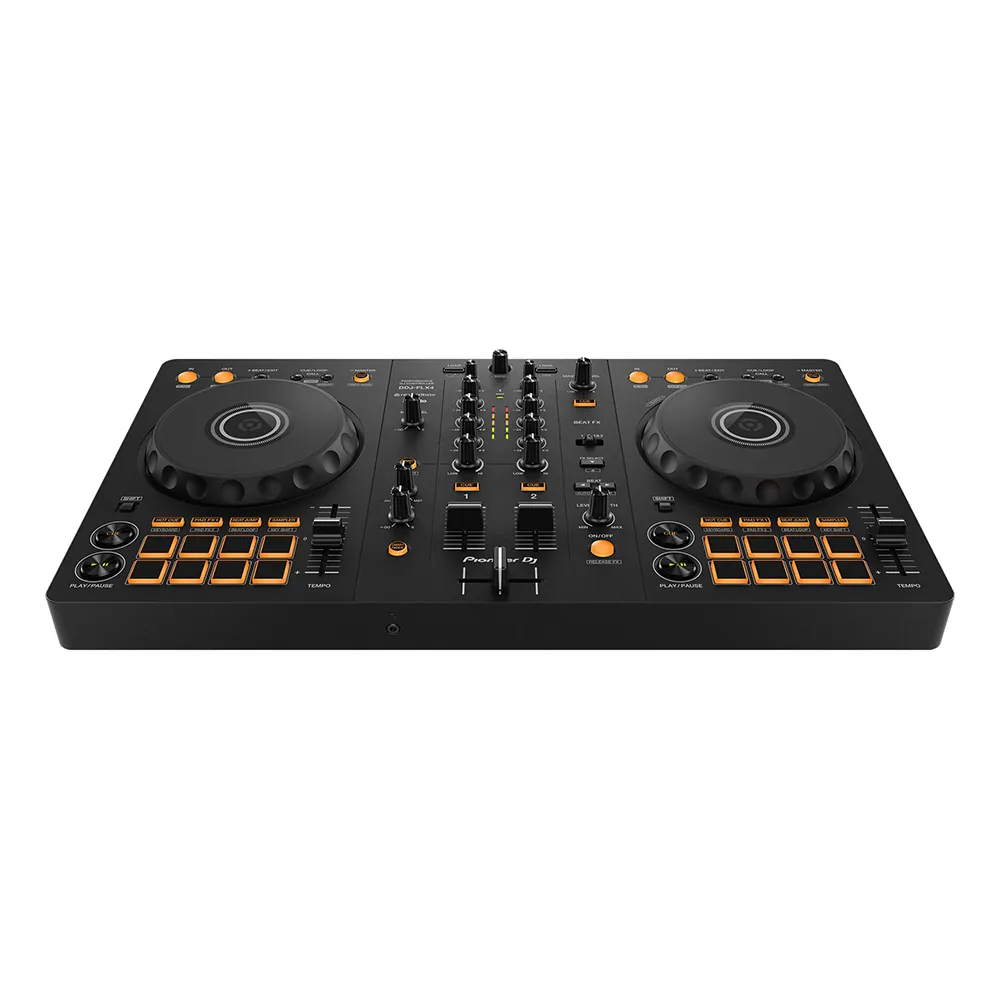
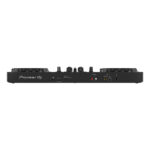
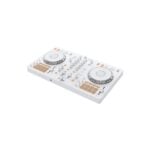
The DDJ-FLX4 is compact, making it ideal for both practice sessions and live performances. All buttons and functions are neatly arranged, making the journey to becoming a DJ fun and straightforward.
Smart Mixing Features
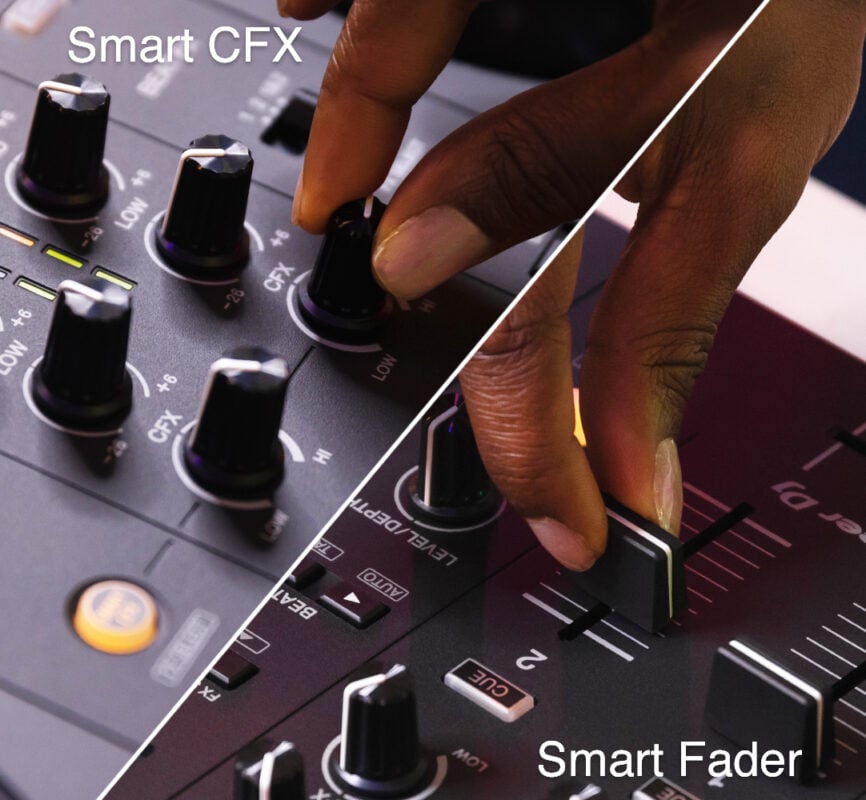
Smart Fader: This system automatically adjusts the volume, bass, and BPM as you move the channel fader or crossfader. This ensures a smooth transition between tracks, even when mixing different genres.
Smart CFX: With a single twist of a knob, you can trigger multiple pre-configured effects simultaneously, adding excitement and drama to your sound.
Connecting to Popular Streaming Services
rekordbox supports a wide range of streaming music services, such as:
TIDAL
Beatport Streaming
Beatsource Streaming
SoundCloud Go+
To connect a microphone for performances or MCing while DJing
simply plug the DDJ-FLX4 into a single device. This allows you to instantly mix the audio from your music and microphone together. It’s perfect for live streaming because you don’t need any additional equipment.
USB Bus Powered
It can be powered directly from a computer via a USB cable, making it easy to use without the need for a separate adapter.
Built-in Sound Card
Connect to speakers or an amplifier via a single RCA cable, and record your sound directly into rekordbox via USB.
All-in-one sound card
Connect to speakers or an amplifier with a single RCA cable, and record audio instantly via rekordbox through a USB connection.
Plug and Play
No drivers needed. Just plug in the USB cable and start playing music on your PC/Mac.
Firmware Update Manager
The system automatically notifies you when new firmware updates are available, and you can download the updates conveniently.
Educational Media and Trials
Tribe XR Web Player: Try out the DDJ-FLX4 on your browser (free of charge).
Tutorial Series
Getting Started
Using Smart Fader / Smart CFX
Connecting a Microphone for Live Streaming
Specifications
Dimensions (W x D x H): 482 × 272.8 × 59.2 mm
Weight: 2.1 kg
Sound Card: 16/24-bit, 44.1/48 kHz
S/N Ratio: 103 dB
Total Harmonic Distortion (THD): < 0.005% (USB)
Frequency Range: 20 - 20,000 Hz
Channels: 2
Deck Control: 2
Jog Wheel: 111.6 mm size
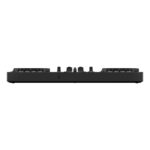
Input: 1 MIC (1/4" TS)
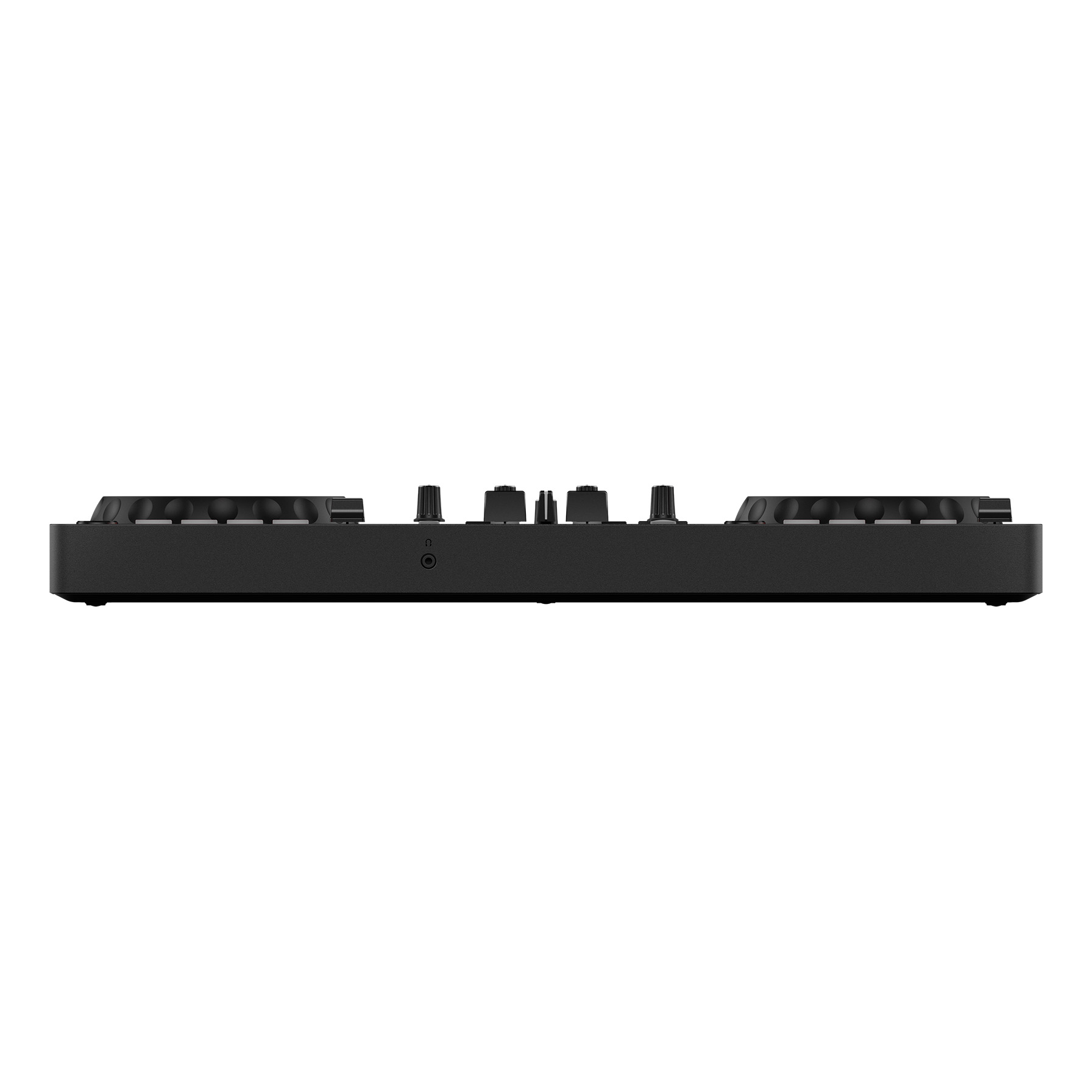
Output: 1 MASTER (RCA), 1 PHONES (3.5 mm)
USB Type-C: 2 ports (1 for connection + power, 1 for power only)
Power Source: USB-C (DC 5V, 500 mA) or 9V, 3A adapter
Performance Functions
Hot Cues: rekordbox (8), Serato (4)
Samplers: rekordbox (16 slots), Serato (4 slots)
Pad Modes (rekordbox): Hot Cue, Pad FX 1/2, Beat Jump, Sampler, Keyboard, Beat Loop, Key Shift
Pad Modes (Serato): Hot Cue, Pad FX, Beat Jump, Sampler, Roll, Auto Loop
Manual/Auto Loop: Supported for both
Instructional Materials and Hands-on Experience
Tribe XR Web Player: Test the DDJ-FLX4 on your browser (free of charge).
Tutorial Series
Basic Usage
How to Use Smart Fader / Smart CFX
Connecting a Microphone for Live Streaming
Who is this suitable for?
Beginners who want to start DJing seriously
Users who want to control music from their smartphone or tablet
Creators who want to live stream professionally
DJs looking for a compact controller with a complete set of features
d*********c (verified owner) –
ของดีมากคับแนะนำมือไหม่ต้องลอง
f************8 (verified owner) –
เขียนรีวิวสินค้าอย่างไรให้มีคนอ่าน?” คือคำถามง่าย ๆ แต่เป็นโจทย์สุดท้าทายสำหรับคนทำการตลาดออนไลน์ เพราะปัจจุบันผู้คนมักจะหลีกเลี่ยงคอนเทนต์ที่สร้างขึ้นเพื่อ “ขายสินค้า” อย่างตรงไปตรงมา เหล่า Blogger ที่รับโปรโมตสินค้า หรือแม้แต่ Digital Agency เองจึงต้องพยายามเขียนบทความรีวิวให้เหมือนกับผู้บริโภคตัวจริงของสินค้านั้น ๆ มากที่สุด ซึ่งหากทำได้ไม่ดีพอ ก็อาจส่งผลให้ความน่าเชื่อถือของแบรนด์ลดลง และเพื่อให้คุณสามารถเขียนรีวิวสินค้าได้ดี ลองเดินตาม 5 ทริคการเขียนบทความรีวิวที่เรารวบรวมไว้ให้ในบทความนี้ดูสิ!
M********. (verified owner) –
All ok. Excellent. Thank you