







Your satisfaction is important to us. If you've changed your mind about your order, you may request a return within 15 days of receiving your order! If you wish to initiate a return, please contact our customer support team.
Please note that the product must be unopened/sealed, and some exclusions apply, for example on software. Please carefully read our full returns & refund policy.
Most of our products come with a standard 1-year warranty covering manufacturer defects and electronic malfunctions under normal usage.
If a product is under warranty, we provide free repairs at our repairs centre for music equipment in Bangkok. If the product broke within 15 days after your purchase, we'll provide you with a brand new product.
If you wish to initiate a warranty claim, please contact our customer support team.
Additionally, you read our full warranty policy.
Orders from 3000 THB are eligible for payment in up to 10 installments.
Installments are currently only supported for customers that use a Thai-issued creditcard from select Thai banks.
You can select your preferred installment option during your payment.

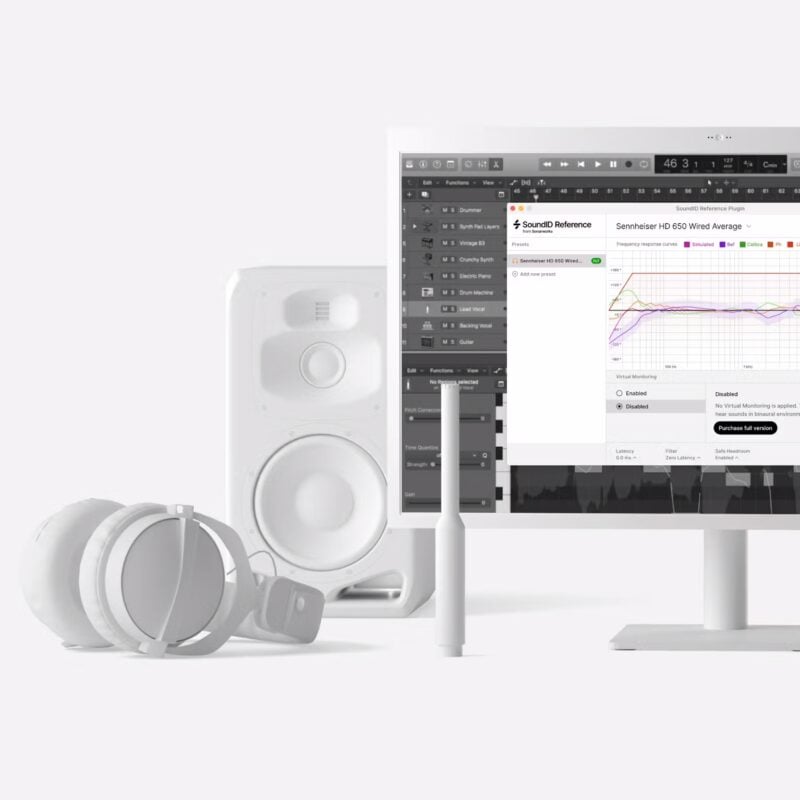
Produce superior mixes on your headphones that translate everywhere
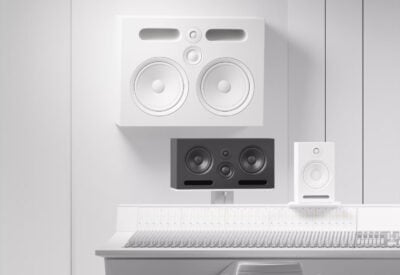
Realistic simulations of high quality near, mid and far field speakers calibrated to the reliable flat reference sound
Key Highlights



 General specifications

| Digital Download | No |
|---|


 Chat via LINE →
  Chat via Messenger →
Reviews
Clear filtersThere are no reviews yet.